Playwright Runner for Zed
zed: extensions · community extension for Zed
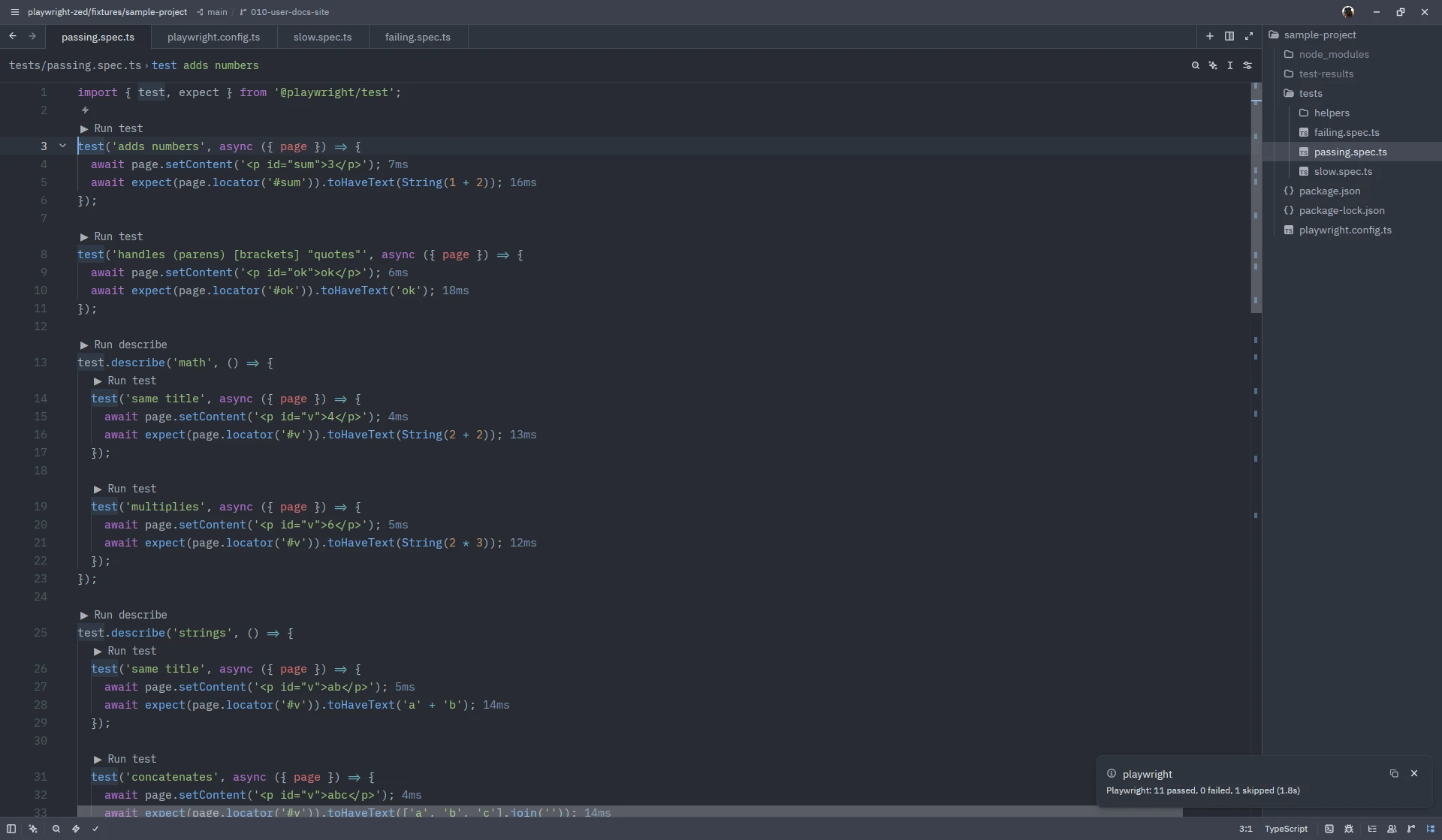
Run and manage Playwright end-to-end tests from the Zed editor.
A community Zed extension that mirrors the Playwright VS Code extension through the surfaces Zed gives extensions. Work in progress.
Install
- In Zed, open
zed: extensionsand search for Playwright Runner. - Turn on code lenses in your Zed settings:
"code_lens": "on". - Open a project with
@playwright/test1.38 or newer, trust the folder, and click ▶ Run test above any test.
The registry listing is under review; until then install from source.
Requirements
Zed 1.23 or newer, Node.js 22 or newer, @playwright/test 1.38 or newer with browsers installed.
Screenshots on this site show Zed 1.26.2 on Linux with Playwright Runner 0.8.0; the window chrome differs per platform.
Capabilities
Run the test, describe block or file under the cursor, re-run the last run.
02ProjectsPick the Playwright projects (browsers) a run uses, remembered per config.
03Step labels and run outputSee the executing step and per-step durations inline, open the full output in a tab.
04Trace viewerRecord a trace for every run and open it in Playwright's trace viewer.
05Show browserWatch tests in a visible browser that stays open between runs.
06Discovery consentNothing runs in a folder until you trust it.